Your organization's knowledge is spread across the tools your team uses every day. Cortextual connects those sources to give you a clearer view of the context behind your org - where knowledge sits, who owns it, and what could be lost when roles or people change.


Critical knowledge is scattered across email, documents, shared drives, and everyday tools - making it hard to see who owns what and where key dependencies live.
Cortextual connects your existing sources to reveal the knowledge dependencies behind your organization - so you can make workforce decisions with the full picture in view.
How it works
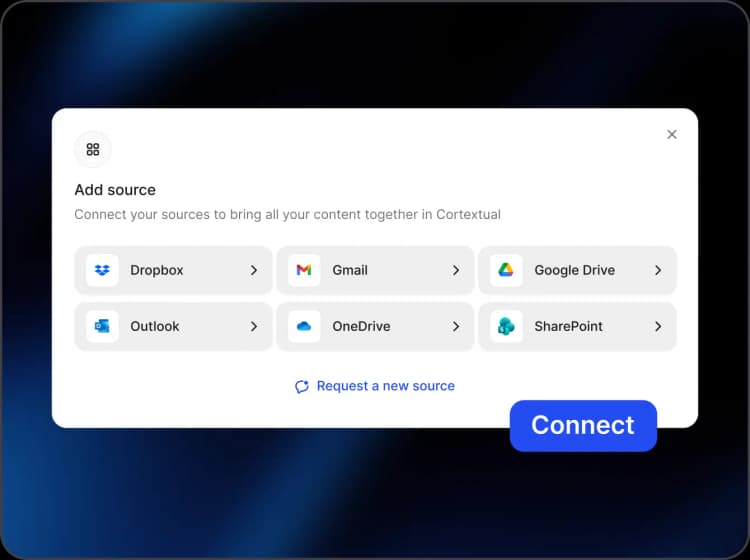
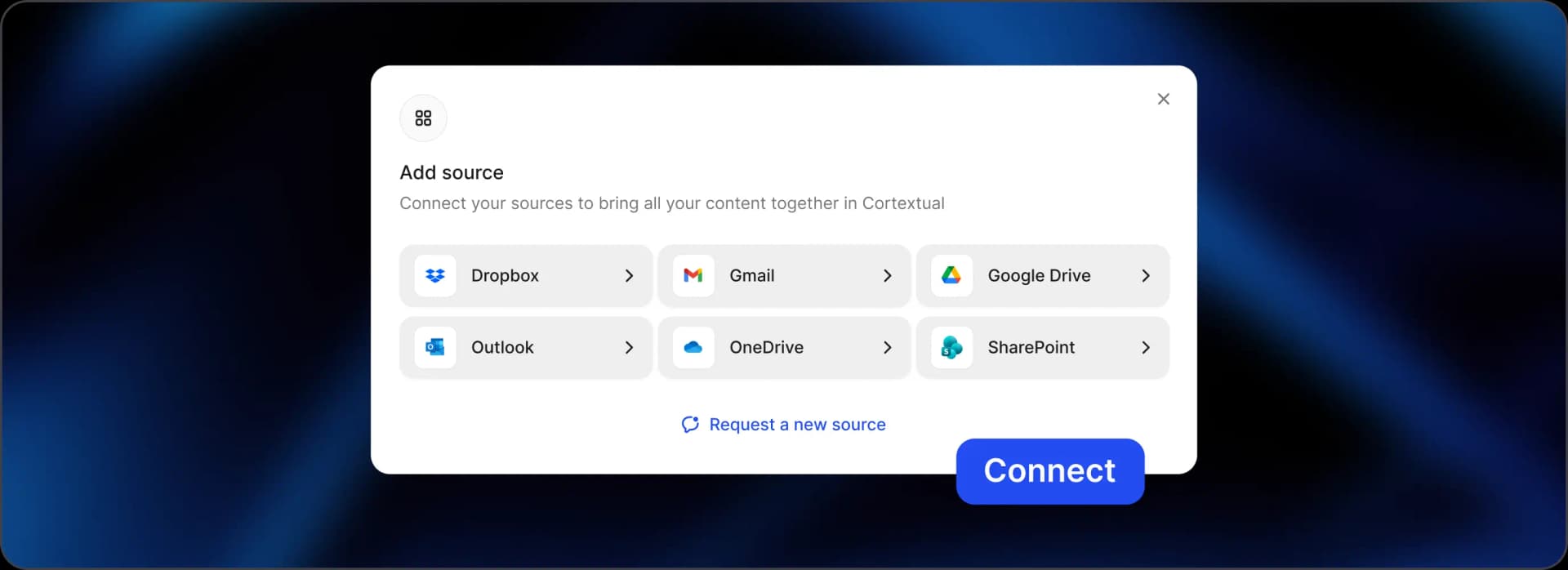
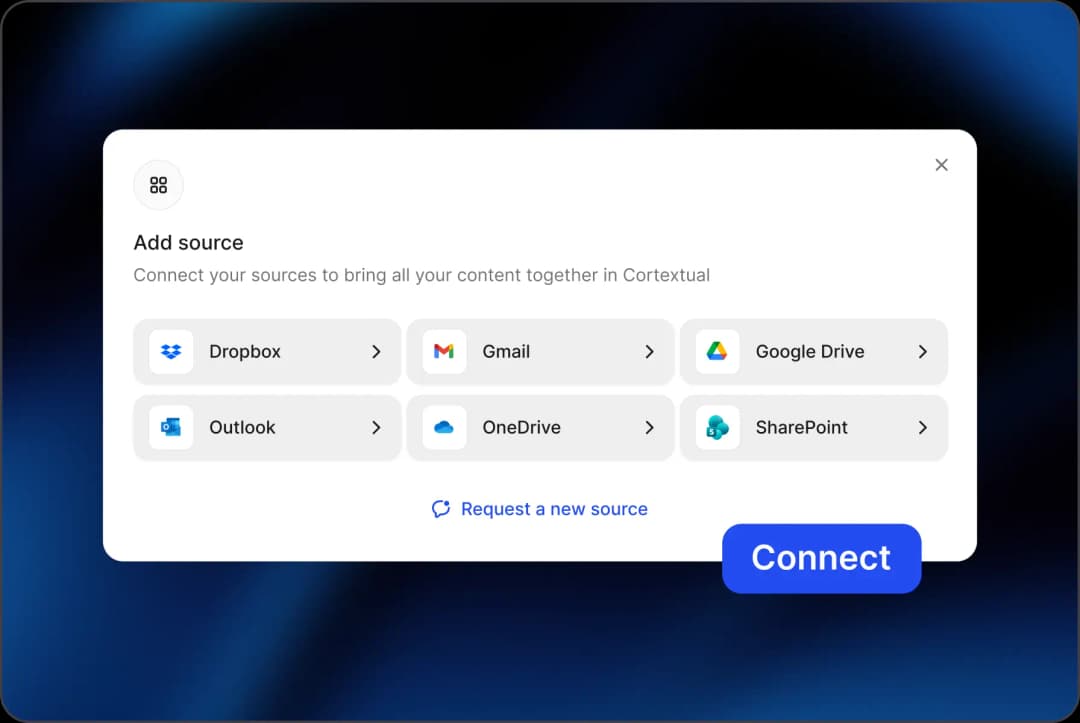
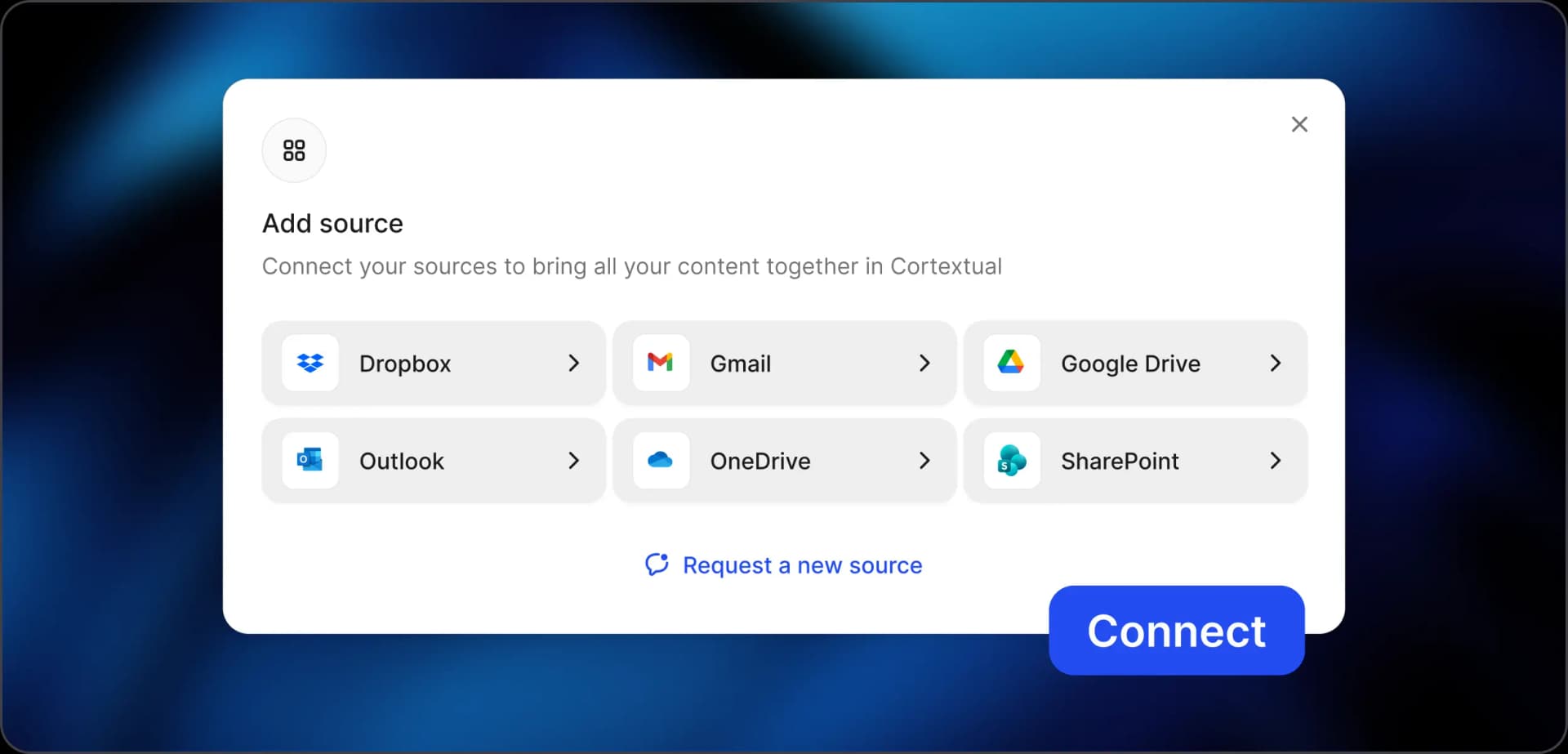
Connect the sources where your organization's knowledge and context already live. Cortextual supports Dropbox, Gmail, Google Drive, OneDrive, Outlook, and SharePoint. There's no need to create a separate knowledge repository or ask employees to document everything again.
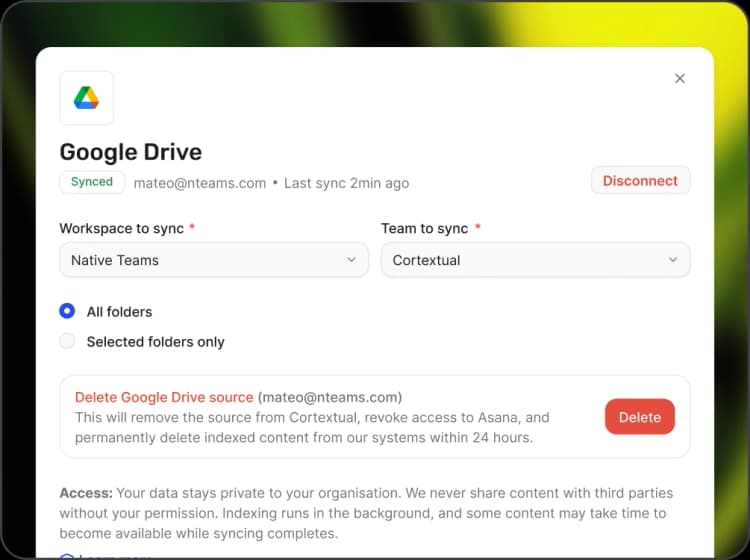
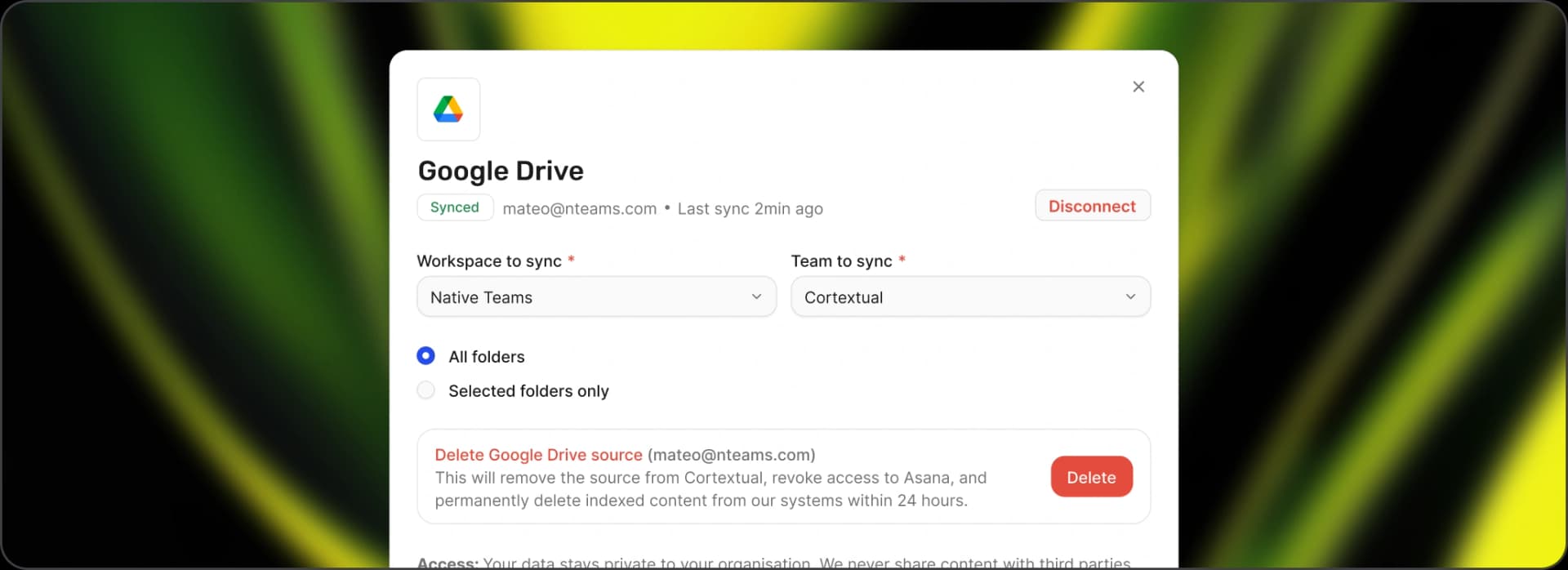
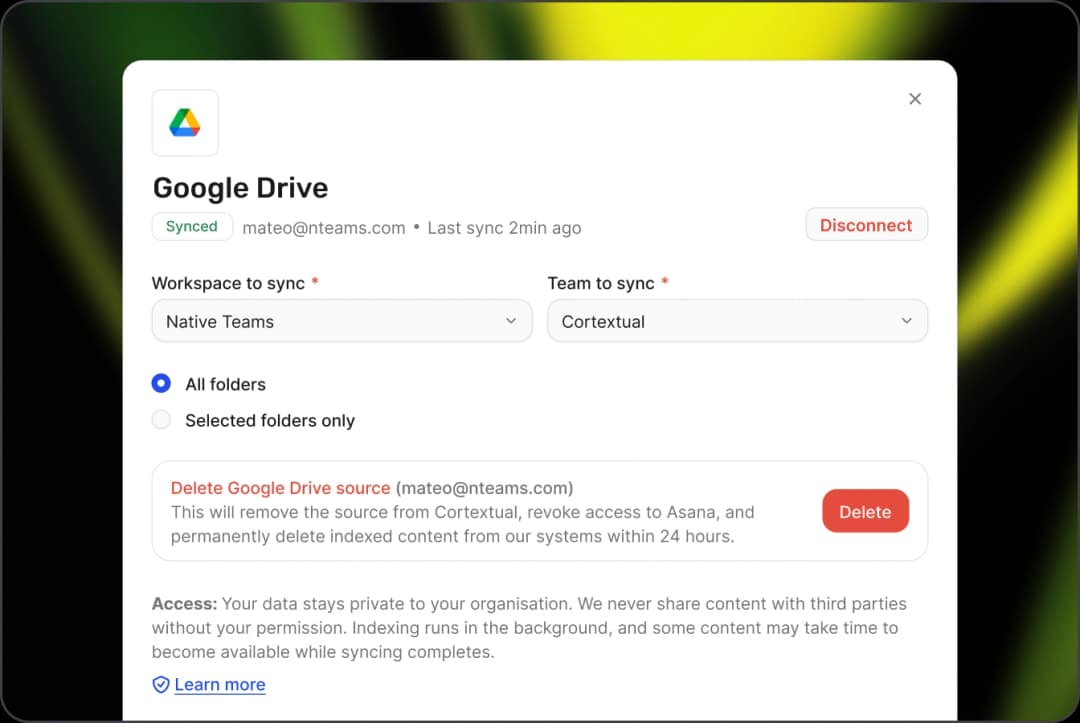
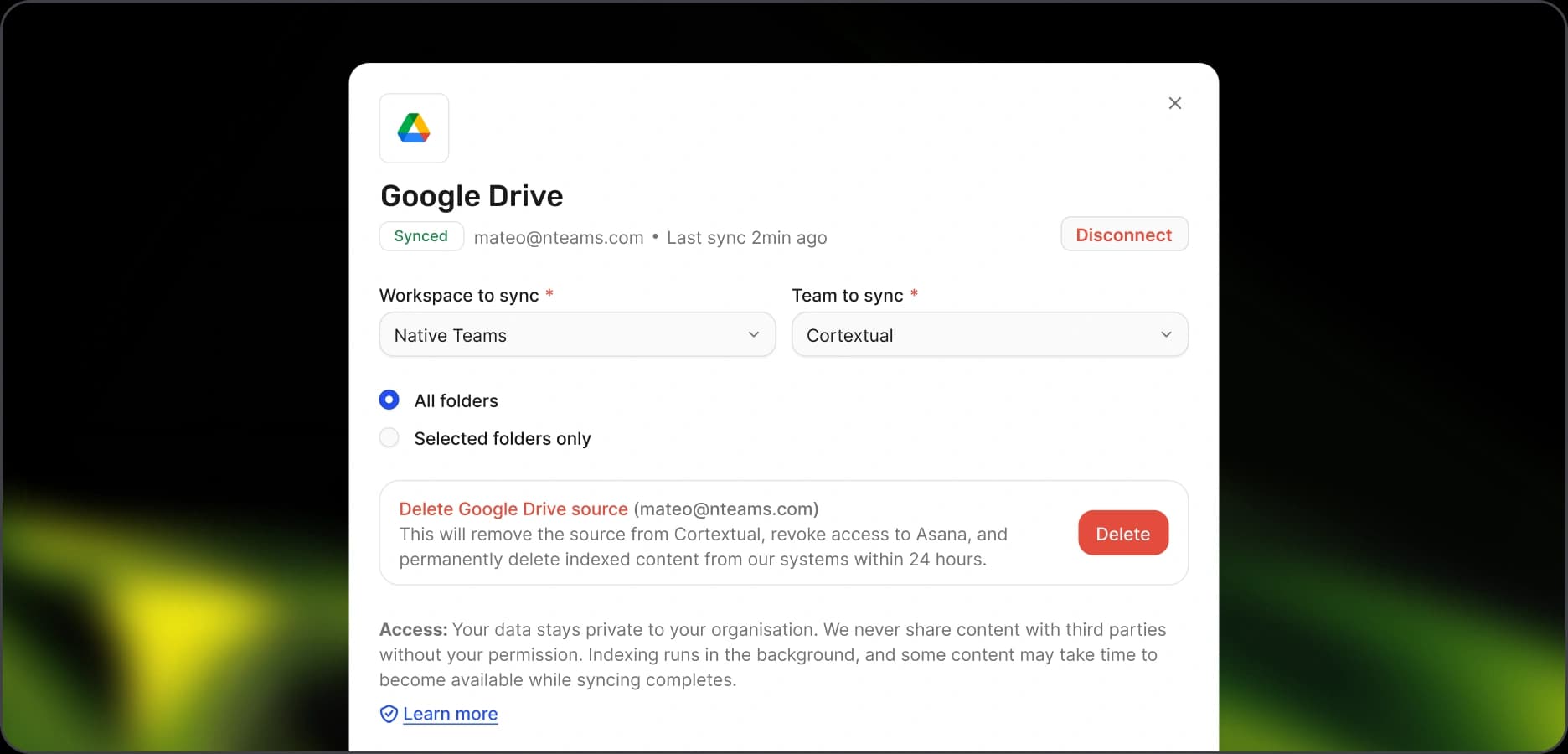
Cortextual is permission-aware by design. Access controls from your connected sources are respected, so users only see information they're already authorized to access. Your existing permissions stay in place while Cortextual connects everything together.
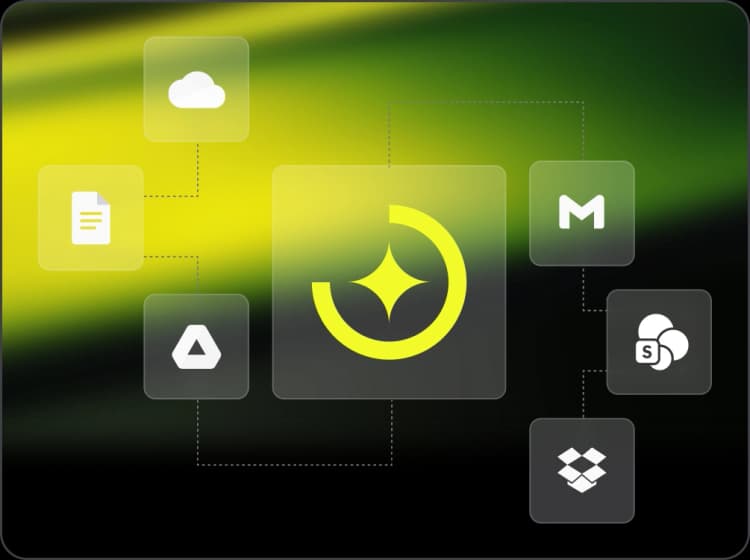
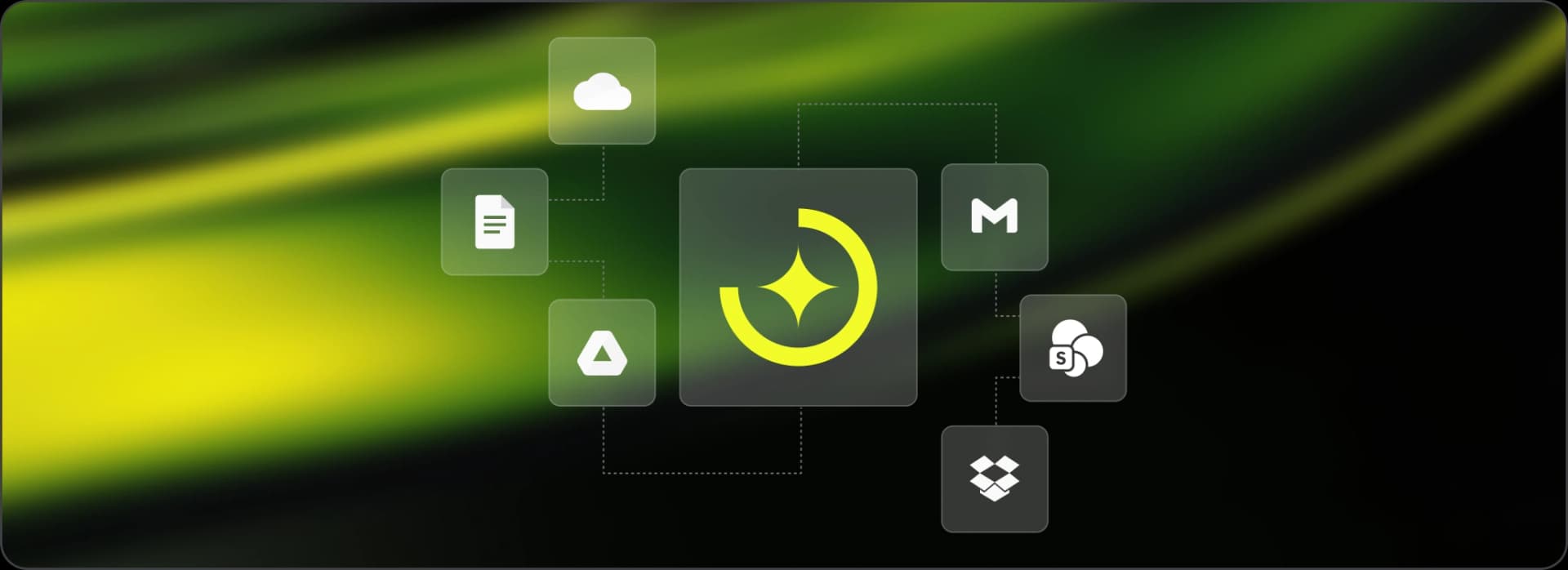
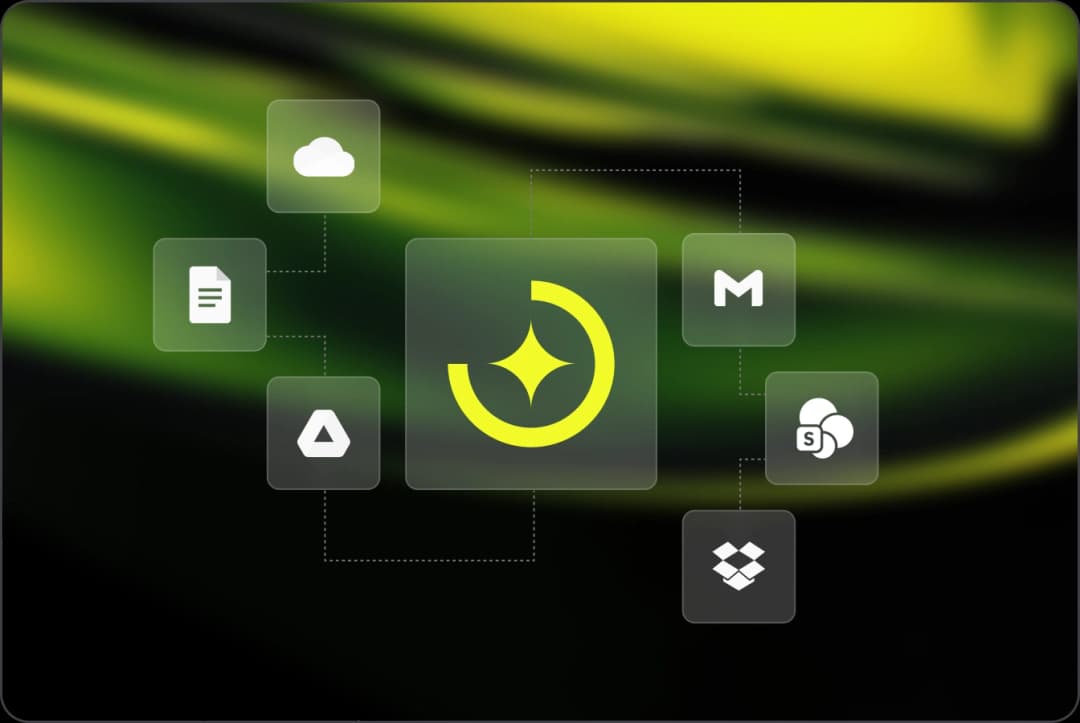
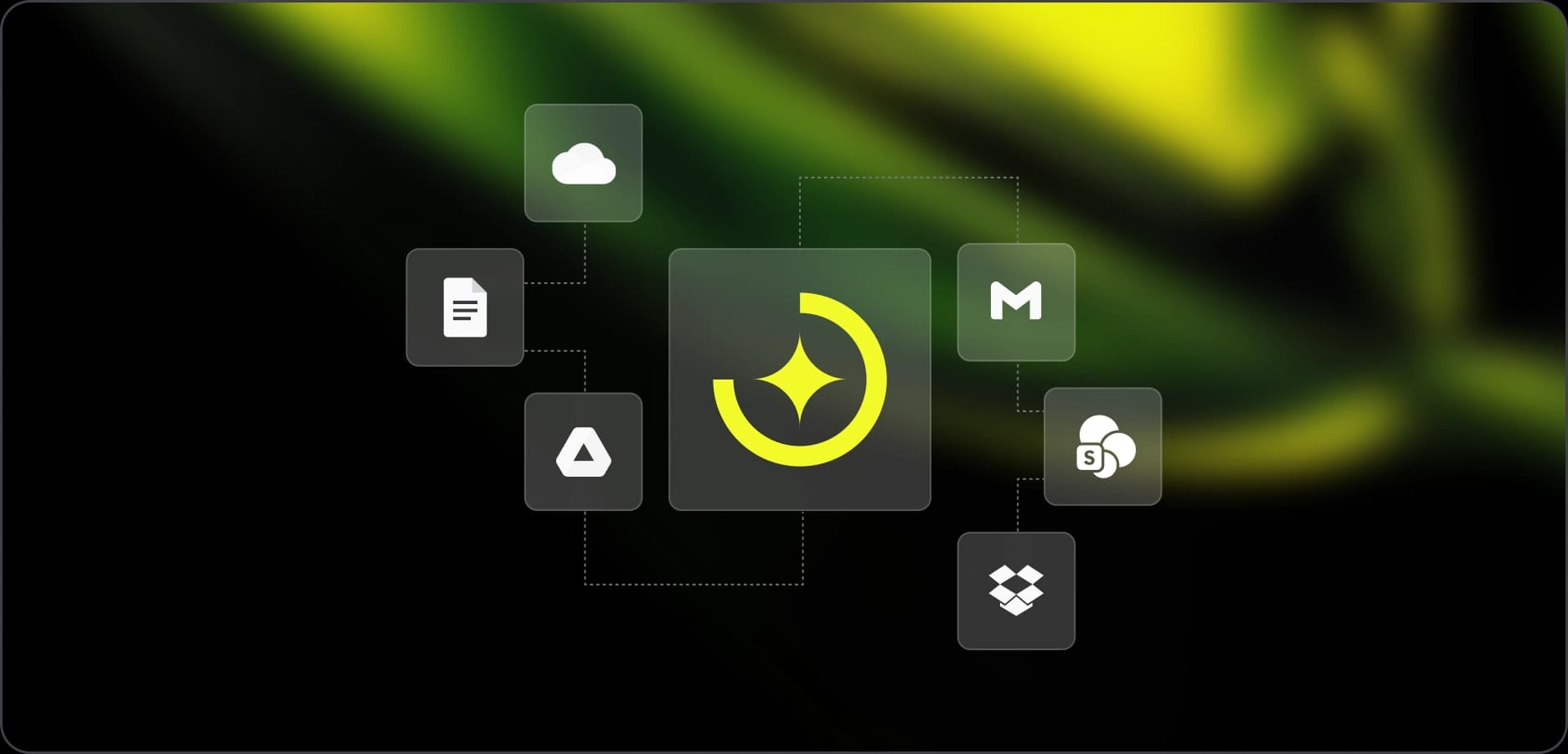
Connected sources ground the org visibility layer in what is actually happening. The org chart, the knowledge dependencies, the cost view — all reflect current, connected data. Not what was last uploaded manually.
As content is added to your connected sources, Cortextual keeps its view of your organization's information current. That means less reliance on manually maintained knowledge repositories and a more up-to-date picture of the context behind your people and roles.


Cortextual currently connects to:

Dropbox

Gmail

Google Drive

OneDrive

Outlook

SharePoint
More integrations are being added over time. Contact us to learn more about available and upcoming sources.
Cortextual connects to and indexes information from your existing sources. It does not write to, modify, or reorganize your source systems. Your existing systems remain the source of truth, while Cortextual provides an additional layer of visibility across the information you've connected.


Cortextual currently connects to Dropbox, Gmail, Google Drive, OneDrive, Outlook, and SharePoint. More integrations are coming - contact us for details.
Connect the tools your team already uses and give Cortextual the context to help you understand your organization's knowledge dependencies - before people, roles, and responsibilities change.