

A headcount request can arrive in any number of ways. One manager sends a Slack message explaining that the team is overloaded. Another submits a spreadsheet with a salary and a start date. Someone else comes with a full business case covering cost, structure and risk.
The requests may all be valid, but how do you compare them on equal terms? In this guide, you’ll get a practical headcount planning template you can use before committing to a hire, cut or restructure.

Managers shouldn’t have to guess what information to include in a headcount request. Without a shared framework, important details can easily be included in one and missing from the next.
A template sets those expectations in advance. Everyone proposing a hire, cut or restructure knows what they need to work through before asking for approval, from what the change is meant to achieve to what it will cost and what else it will affect.
For headcount planning, that creates a much clearer basis for the conversation. Leadership can spend less time filling in missing information and more time evaluating the request itself.
There’s no single format a headcount planning template has to follow. Broader frameworks, such as SHRM’s international workforce planning template, can cover everything from workforce demand to gap analysis and cost projections.
For a single headcount decision, you can keep things much simpler. These five sections give you enough information to evaluate the request without turning it into a lengthy business case:
Start with the purpose of the proposed change. For a hire, capture the role, who it reports to and the main outcome it is expected to deliver. Keep this strategic rather than turning it into a job description.
Example: Customer Success Manager reporting to the Head of Customer Success, responsible for reducing the number of accounts handled by each existing CSM and improving response times.
Record the costs that would come with the change, including salary, benefits, tools and onboarding time. Bring them together into one estimated first-year cost rather than leaving leadership to piece the numbers together from different fields. Example: $70,000 salary + $14,000 benefits + $2,000 tools + $6,000 onboarding = $92,000 estimated first-year cost.
Capture what would change around the role if the request were approved. That could include reporting lines, responsibilities or dependencies on other people. Example: Three customer support specialists currently reporting to the COO would move under the new Customer Support Manager.
Record what could happen if you make the change and what could happen if you don’t.
Example: Without the hire, implementation delays are likely to continue. Adding the role requires two senior team members to spend time on onboarding during the first month.
Finish by defining what would need to be true for the request to make sense. This gives leadership something more concrete to evaluate than whether the role simply sounds useful. Example: Approve if the role can start by Q3, stays below a $95,000 first-year cost and reduces the current implementation backlog.
With those five sections covered, you have the information you need to review a headcount request. The next step is putting it into a format you can use every time.
The template below is designed to bring the key information for a single headcount decision into one place. It should take around 30 minutes to complete and can be copied directly into your preferred planning document.
Once you have the template, the process around it can stay simple:
The person proposing the change completes it. That could be a team lead requesting a new role, a Head of People proposing a restructure or a COO considering a cut. Whoever starts the request puts the case together.
The decision-maker reviews it. At a company with 20 to 150 employees, that will often be the COO, CEO or founder. They can check the reasoning, question assumptions and decide whether they have enough information to make the call.
It happens before approval. Complete the template while the decision is still open. If calculating the full cost changes the case for a proposed hire, that’s useful information to uncover now, not after it has been approved.
Any disagreements become part of the review. If the person proposing the change and the person reviewing it see a cost, risk or assumption differently, go back to that specific point. You can then work out what needs to be clarified before making the decision.
After the decision, the completed template gives you a record of what was considered and why the change was approved, rejected or deferred.
Even with a shared template, there are a few ways a headcount request can go off track. These four are worth watching for:
Stopping at salary. Salary may be the easiest number to enter, but it shouldn't be the only one. SHRM's research on recruitment costs highlights the additional time and resources involved in hiring, including the time managers and other employees spend on the process. Include the relevant benefits, tools and onboarding costs in the template too.
Skipping structural impact for a “straightforward” change. Even when the answer is simply “none,” work through this section. Leaving it blank makes it impossible for the reviewer to know whether the impact was considered or simply overlooked.
Treating it as an approval form. If the decision has already been made, filling in the template only documents the reasoning behind it. Use it while there is still room for the information you uncover to change the outcome.
Using it only for hires. The same fields can help you review a proposed cut or restructure. The answers will change, but the structure doesn't need to.
The goal is simple: when it’s time to make the decision, none of the important questions should still be unanswered.
A template works well when headcount decisions are occasional and you’re considering one change at a time. It becomes harder to manage when those decisions happen more often, the underlying org data keeps changing or you need to compare several versions of a proposed change.
At that point, manually copying costs, reporting lines and other information into separate templates creates more work and more opportunities for the numbers to fall out of date. This is where a connected planning tool becomes useful: the same org and cost data can stay in place while you work through different headcount changes.

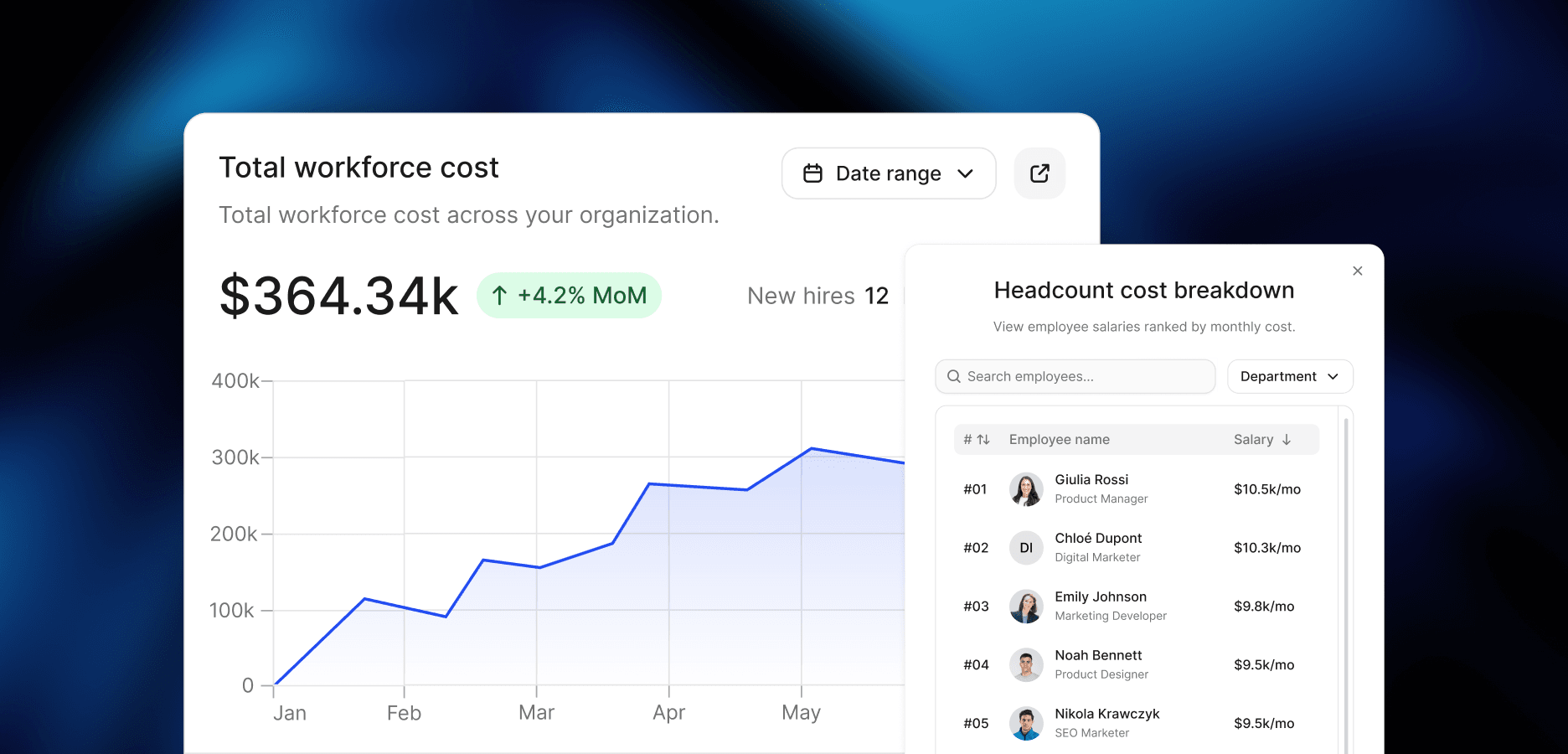
Cortextual takes that approach to headcount planning. Cost intelligence keeps workforce costs connected to your live org chart, so you don’t have to rebuild the cost calculation for each change. The scenario builder lets you model different versions of your org and compare how hires, cuts or restructures would affect its structure and costs before changing the live version.
The template still has a place for individual decisions. A planning tool starts to make more sense when the decisions become more frequent, the options multiply or keeping the information behind them up-to-date becomes a job of its own.
For more on the thinking behind these decisions, see our guide to headcount planning. We also break down the full headcount planning process for companies running it without a dedicated finance team.
A headcount planning template should cover five areas: the purpose of the proposed change, its full cost, the impact on your org structure, the risks of making or not making the change and the criteria for approval. Together, these give you the information needed to evaluate a hire, cut or restructure before making the decision.
Start with base salary, then add employer taxes and benefits, tools and software and the cost of onboarding. For onboarding, include the time other employees will spend training and supporting the new hire during ramp-up. Add those costs together to estimate the role’s first-year cost.
Yes. The same template can be used for a proposed cut. Instead of onboarding costs, include any termination costs, then use the structural impact and risk sections to consider where responsibilities would move and what could be affected if the role were removed.
A planning tool starts to make sense when headcount decisions become more frequent, you need to compare multiple scenarios or keeping your org and cost data current across separate templates becomes difficult. A template can still work well for occasional, individual decisions.

Your hub for research, frameworks, and practical guidance on workforce transition, organizational knowledge, AI adoption and more.