
A free tool for drawing an org chart and an enterprise platform that connects workforce plans to budgets, forecasts and long-term business strategy have little in common. Yet you’ll often find them lumped together under the same label: workforce planning software.
The lack of a standard feature set makes the category difficult to navigate. So before comparing individual products, you need to identify which type of tool fits your company’s current stage. This guide will help you make sense of the market and avoid wasting budget on software that adds more work than value, only to abandon it later.
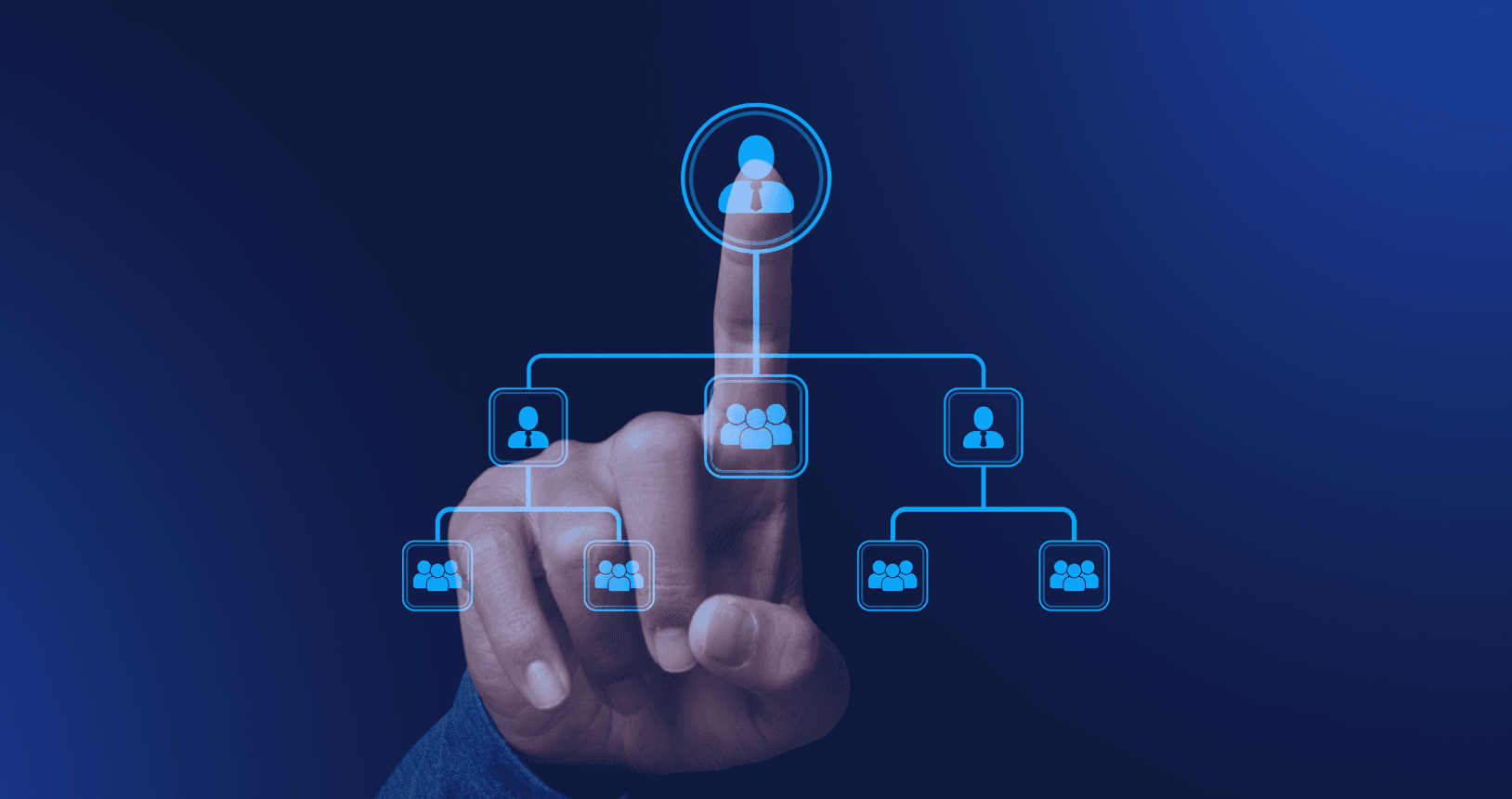
Workforce planning software helps leaders understand the workforce they have today and plan what they may need next. How far it goes depends on the product: a basic tool may only visualize roles and reporting lines, while more advanced software can connect roles to cost data, track planned positions, model reorganizations and forecast longer-term demand or skills gaps. At the enterprise end, platforms can also connect complex multiyear workforce models with broader FP&A forecasts and budgets.
If you already have an HRIS, don’t assume it can handle this type of planning. An HRIS typically manages employee records and operational processes such as payroll, benefits, leave and compliance. Some platforms include planning features, but dedicated workforce planning software is built to answer forward-looking questions about hiring, costs and organizational structure.
The workforce planning software market is expected to keep expanding. 6Wresearch estimates that it will grow from $2.8 billion in 2025 to $5.3 billion by 2032 as vendors add capabilities such as AI, predictive analytics and deeper integrations. Even with that growing range of options, most tools still fit into three broad tiers. The boundaries are flexible, but the model provides a useful starting point for deciding what you need.
Examples include Lucidchart, Organimi and Canva. Their main purpose is to give you a clear visual representation of your organization, making it easier to see reporting lines, explain how teams fit together and create charts for presentations or employee directories.
How the chart stays up to date varies. Some tools rely on templates and manual changes, while others can import a CSV or connect to business systems. Those connections may reduce manual upkeep, but they do not necessarily add planning capabilities.
Once you need to model future changes and see their effect on costs and structure, basic org chart software is no longer enough. Our guide to org chart software vs. workforce planning software explains the distinction in more detail.
Platforms such as Cortextual and ChartHop go beyond showing who reports to whom. They connect organizational structure with workforce data, allowing leaders to see costs by role, person or team and model changes without altering the live org chart.
This helps answer questions before committing to a plan:
These platforms often work well for companies with 20 to 500 employees that make regular decisions about headcount and structure but do not need a full enterprise planning system. A COO, Head of People or finance leader should be able to use them without a dedicated analyst.
At the enterprise end of the market, platforms such as Anaplan, Workday Adaptive Planning and Pigment connect workforce planning with broader financial and operational plans. They can handle detailed forecasts for multiple business units, complex approval workflows and models that span several years.
The tradeoff is a more involved implementation and configuration process, along with ongoing work to manage access, approvals and model changes. These suites typically make sense for organizations with 500 or more employees, established HR and FP&A teams and dedicated analysts responsible for workforce planning.
Before working your way through G2’s workforce planning software category or booking any demos, decide what you need the software to do. These five questions will help you rule out poor fits early.
Size matters, but so does the pace of change. A stable 60-person company may only need a reliable view of its structure and workforce costs. A 400-person company entering several new markets may also need department-level plans, approval workflows and multiple scenarios.
Think beyond today’s headcount and consider how much the company could change over the next 12 to 24 months.
Complex planning tools do not run themselves. If no one can build and maintain the models, rule out products that require specialist support. A simpler platform that leaders can use on their own will be more useful than sophisticated software that goes unused.
Choose based on the question you need the software to answer most often. An org chart tool may be enough if all you need is a clear view of reporting lines. To understand how proposed roles would affect the budget, look for headcount planning software with reliable cost data. To compare hiring or restructuring options, prioritize a visual scenario builder.
A manually updated chart may be enough when changes are occasional. But if people are joining, leaving or moving teams every week, it can be out of date almost as soon as you update it. At that pace, look for automatic updates and a clear separation between the live structure and future scenarios.
Find out what needs to happen before your team can build its first useful plan. That may include cleaning up data, setting up integrations, configuring permissions and training users. If you need answers this quarter, software that takes months to implement is not a realistic option.

For most companies in this range, the goal is to find software that helps leaders plan headcount, understand costs and test structural changes without requiring a team to set up and maintain it.
Prioritize these capabilities:
Depending on your needs, useful extras may include a connected knowledge layer, compliance support and mobile access.
Watch for these three common mistakes:
Advanced forecasting, skills taxonomies and custom models may sound impressive, but they only add value if your team has a clear use for them and someone who can maintain them.
Ask vendors to demonstrate your actual planning process in the software and judge the tool by how well it supports that process, not by how many features it has.
A polished demo may not reveal how much work it takes to prepare your data and keep the platform accurate. Ask who is responsible for each data source, how updates are handled and what happens when information is missing.
Some manual work may be fine, but you should know how much to expect before committing to a tool.
The simplest tool may work now but become limiting after your next hiring round. Check how its limits and pricing change as you add employees, users and scenarios.
You don’t need to plan for every possibility, but make sure you won’t outgrow it too quickly.
Cortextual is built for companies with 20–250 people that regularly make decisions about headcount, costs and organizational structure without a dedicated analyst.
With live org structure and workforce costs in one place, leaders have a clear view of their organization as it stands today. They can then use the scenario builder to test hiring plans, reorganizations and reporting-line changes without altering the live org chart. Connected sources also provide relevant organizational knowledge to consider alongside each plan’s cost and structural impact.
Cortextual is not an enterprise strategic planning suite. Companies that need complex multiyear workforce forecasts tied to company-wide FP&A models and have specialist teams to manage them should consider enterprise platforms instead.
If you need a more focused approach to headcount planning, the Free plan lets you build an org chart, explore workforce visibility and model a scenario before deciding whether to upgrade.
Workforce planning software helps organizations understand their current workforce, its costs and the headcount or structural changes that may be needed to meet future goals. It ranges from simple org chart tools to enterprise planning suites. The right tool depends on company size, internal capacity and how often planning decisions are made.
An HRIS stores and manages employee data, including payroll, benefits, time off and compliance information. Workforce planning software helps leaders use that data to plan headcount, costs and organizational changes. The two are complementary, and planning software often connects to an HRIS.
Prioritize a live org chart connected to full workforce data, scenario modeling that a COO or Head of People can use without analyst support, fast implementation and integration with your existing workforce data sources.
Entry-level org chart tools may be free or low-cost. Connected planning platforms range from free to a few thousand dollars per month, depending on company size and features. Enterprise suites usually use custom pricing and may require implementation or consulting support.
Your hub for research, frameworks, and practical guidance on workforce transition, organizational knowledge, AI adoption and more.